
Online - Safety
Our world is changing and as a consequent many of our children are able to access the wide range of communication forums better than we as adults do. This has associated risks attached to it. All children at BJS are regularly taught about online safety as part of our on-going computing curriculum and as part of our commitment to improving online safety we have provided a range of resources for parents below. I would encourage you to look at the following websites which will help you understand what children can potentially be exposed to and how to deal with any potential issues.
If you have any concerns regarding e-safety, please feel free to make an appointment to see a member of staff who will be happy to talk to you.
Below you will find some top tips for helping to keep your child safe on the internet (From Thinkuknow website)
Top Tips
- Talk to your child about what they’re up to online. Be a part of their online life; involve the whole family and show an interest. Find out what sites they visit and what they love about them, if they know you understand they are more likely to come to you if they have any problems.
- Watch Thinkuknow films and cartoons with your child. The Thinkuknow site has films, games and advice for children from five all the way to 16.
- Encourage your child to go online and explore! There is a wealth of age-appropriate sites online for your children. Encourage them to use sites which are fun, educational and that will help them to develop online skills.
- Keep up-to-date with your child’s development online. Children grow up fast and they will be growing in confidence and learning new skills daily. It’s important that as your child learns more, so do you.
- Set boundaries in the online world just as you would in the real world. Think about what they might see, what they share, who they talk to and how long they spend online. It is important to discuss boundaries at a young age to develop the tools and skills children need to enjoy their time online.
- Keep all equipment that connects to the internet in a family space. For children of this age, it is important to keep internet use in family areas so you can see the sites your child is using and be there for them if they stumble across something they don’t want to see.
- Know what connects to the internet and how. Nowadays even the TV connects to the internet. Make sure you’re aware of which devices that your child uses connect to the internet, such as their phone or games console. Also, find out how they are accessing the internet – is it your connection, or a neighbour’s wifi? This will affect whether the safety setting you set are being applied.
- Use parental controls on devices that link to the internet, such as the TV, laptops, computers, games consoles and mobile phones. Parental controls are not just about locking and blocking, they are a tool to help you set appropriate boundaries as your child grows and develops. They are not the answer to your child’s online safety, but they are a good start, and they are not as difficult to install as you might think. Service providers are working hard to make them simple, effective and user friendly.
Click on any of the images below and it will take you directly to the site:






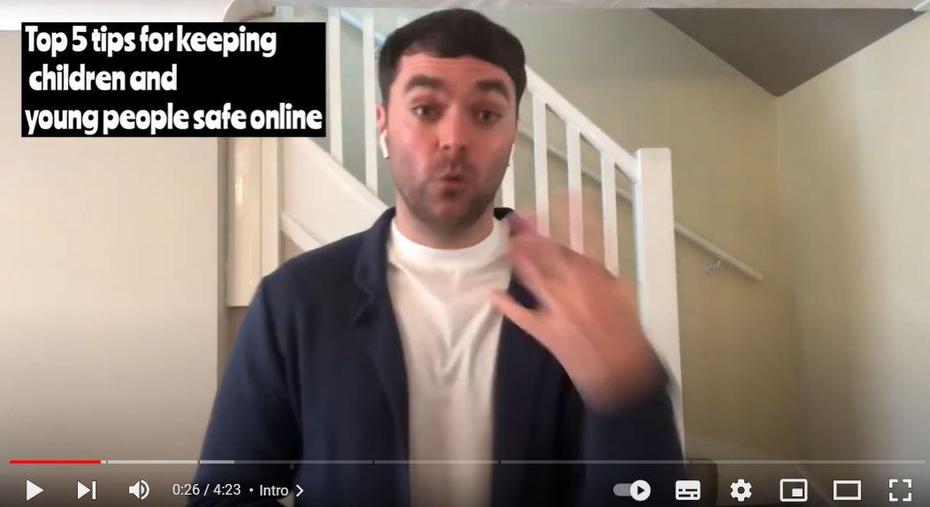
Online Safety videos with Simon Aston from North and West Northamptonshire